Upgrade in a modal
Keep people in context while explaining the plan required for the action they selected.
Compare public upgrade prompts without signing in. Authentication is only required when a visitor continues into an account-specific purchase flow.
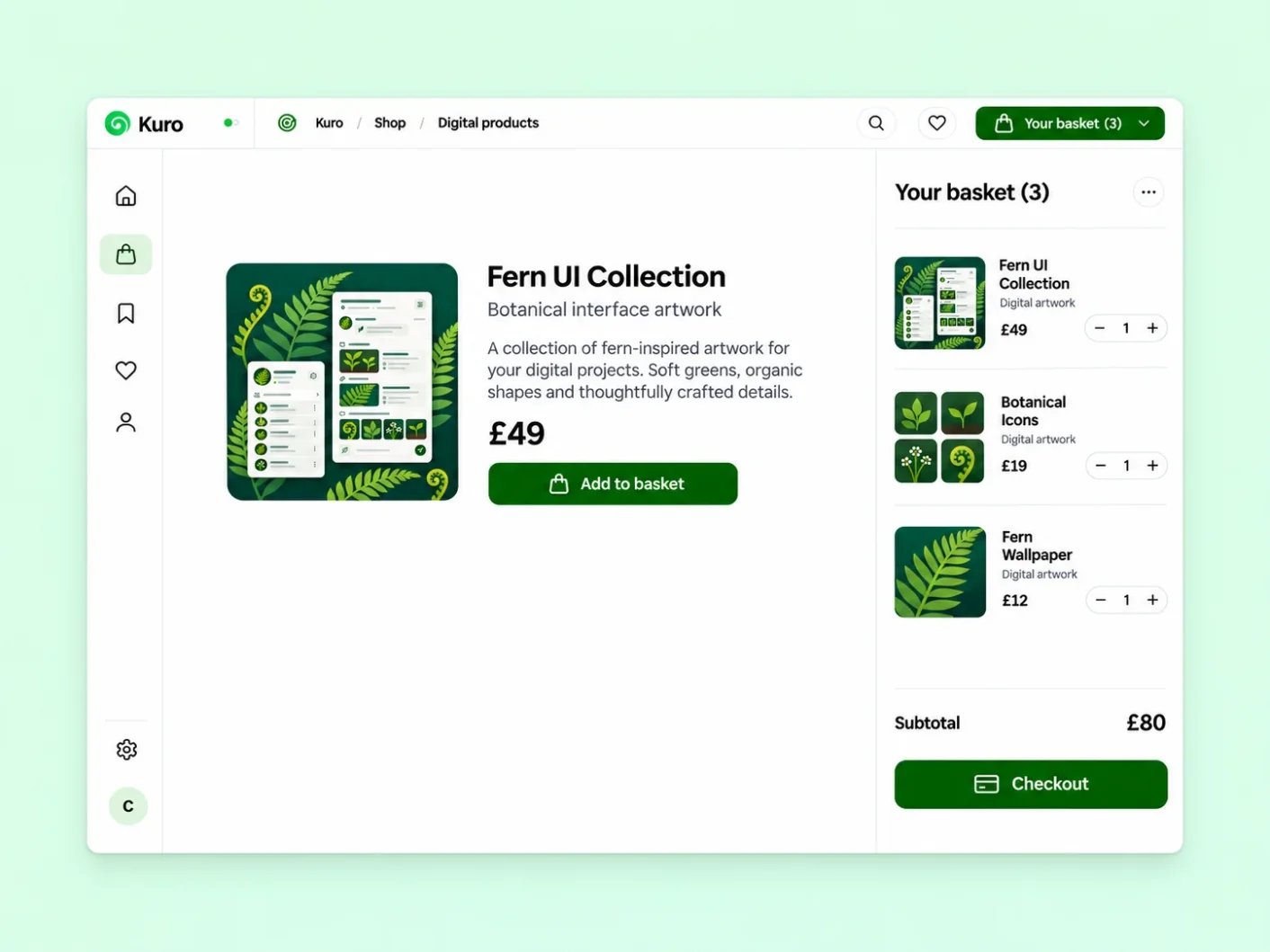
Seven interaction patterns show how access, upgrades, products, services, and payments can appear inside a product. No need for detailed prompts—just tell your agent what you want and it works.
These examples use the Supacharger Demo sandbox. No real money is charged.
CVV
Test card
Use this test number with any future expiry and any three-digit CVC. No real card details are needed.
Keep people in context while explaining the plan required for the action they selected.
Keep payment inside the product with a clearly labelled Embedded Checkout integration boundary.
Choose a plan and explore its included features for seven days before your paid subscription begins.
Basic
US$10.00 / month
Subscription Pro
US$25.00 / month
Keep an unavailable control visible and explain which plan includes it on hover or keyboard focus.
Enter DEMO20 in Stripe Checkout for 20% off the first eligible payment.
DEMO20Services loaded from the Supacharger Stripe sandbox: active service products tagged purchase_policy=recurring_addon and supacharger_application=supacharger, with an active monthly USD default price billed per unit. Add them to the Basic monthly plan.
Loading services from Stripe…
Resulting plan
Basic
US$10.00
/ month

Add a separately priced product without interrupting the page, then review it in a side panel.
Offer a small contextual purchase where the value is already clear inside the application.
Oneoff
US$50.00
Create an account, then continue directly to the subscription flow to test the authenticated billing journey.
Sign up for billingCall createBillingCheckout on the server to validate prices, resolve the billing customer and create a Stripe Checkout Session. This example uses a catalogue priceId, your server-side billing policy and a requestKey for idempotency. Hosted checkout returns a URL for the browser to open.
Core implementationsrc/supacharger/billing/billing-service.ts
import { createBillingCheckout } from  '@/supacharger/billing/billing-service';
const checkout = await createBillingCheckout(  {    subject: { type: 'personal' },    items: [{ priceId, quantity: 1 }],  },  {    cancel: '/features/paywall-demos',    success: '/features/paywall-demos?checkout=returned',  },  { ...policy, uiMode: 'hosted', requestKey },);